How to improve TV image quality: the hidden HDMI setting
Many modern TVs fail to deliver optimal image quality due to a disabled HDMI Deep Color feature. Users can manually enable it in the settings menu.
 💡Tech
Photo: UNIAN
Key points
- HDMI Deep Color improves color depth
- The setting may be disabled by default
- Different brands use different names for this feature
Why your TV might not be performing at its best
Even with a modern Smart TV and HDR support, the image quality may not meet expectations. Often, the issue is not a hardware defect, but a disabled HDMI Deep Color feature, which controls color depth. This setting allows devices to transmit signals with 10 or 12-bit depth instead of the standard 8-bit.
Utilizing this technology significantly improves detail, eliminating harsh transitions between shades and making the picture in games or movies much more realistic. According to manufacturers, this expands the color gamut from millions to billions of shades.
How to check your settings
While the feature should activate automatically when connecting consoles or streaming boxes, it sometimes remains inactive by default. To check this, you need to enter your TV's port settings. The name of the option varies by brand:
- LG: HDMI Deep Color or Ultra HD Deep Color.
- Samsung: HDMI UHD Color or "Input Signal Plus".
- Sony and others: "Enhanced format".
If you notice dull colors while watching 4K content, be sure to check this parameter for each HDMI port individually.
Source UNIAN — unian.ua/techno/gadgets/shcho-take-hdmi-deep-color-i-chomu-cyu-funk… ↗
Read next
 🏙️City
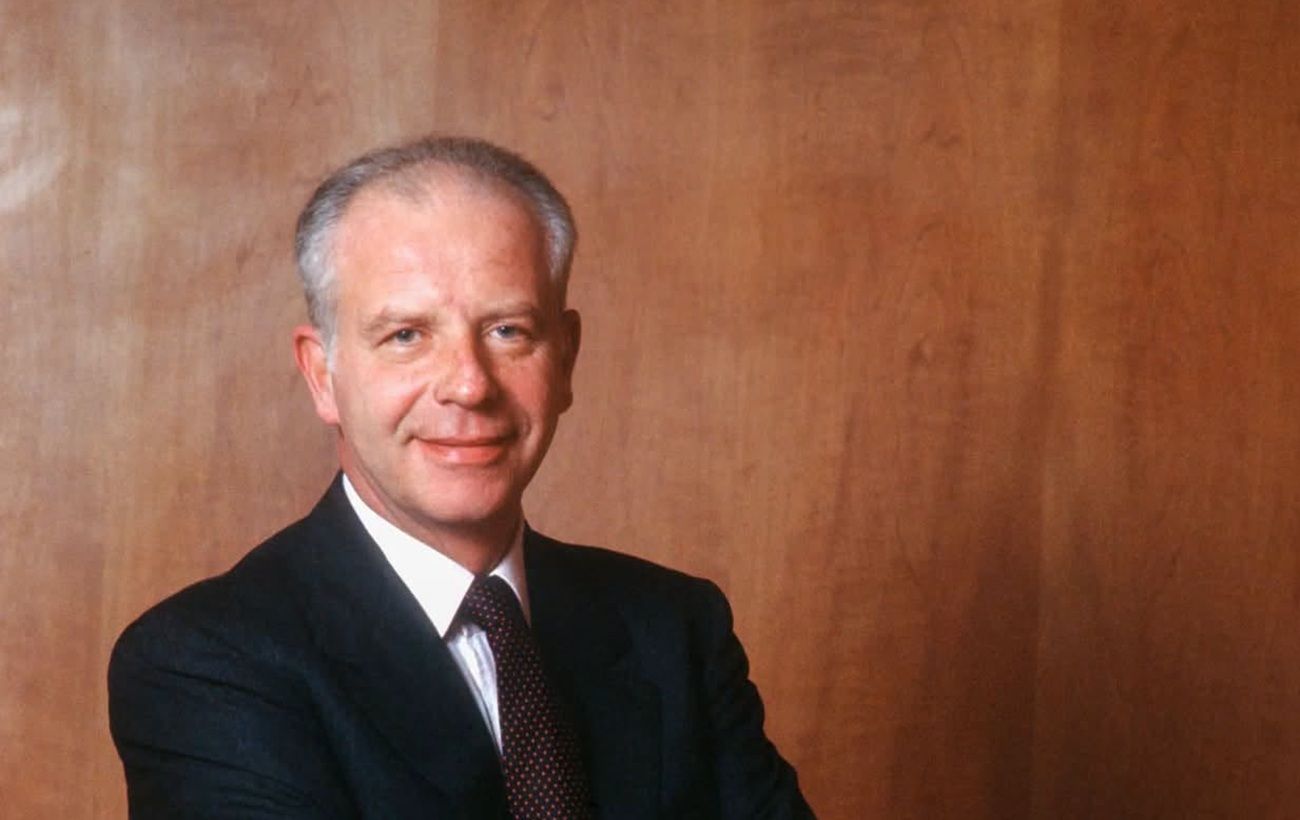
Paolo Bulgari passes away: the legacy of a legendary jeweler
Paolo Bulgari, the grandson of the jewelry house founder and its long-time leader, has passed away in Rome at the age of 89.
 🛡️Security
Moldovan airspace breached again by Russian drone
On Saturday, November 21, a jet-powered UAV crossed the Moldovan border twice during another Russian attack on Ukraine.
 🛡️Security
Continuity of Struggle: How UPA History Influences the Modern Ukrainian Army
The story of three generations of the Symchych family and the honoring of Yevhen Konovalets symbolize the unbreakable link between the liberation struggles of the past an…
 🏛️Politics
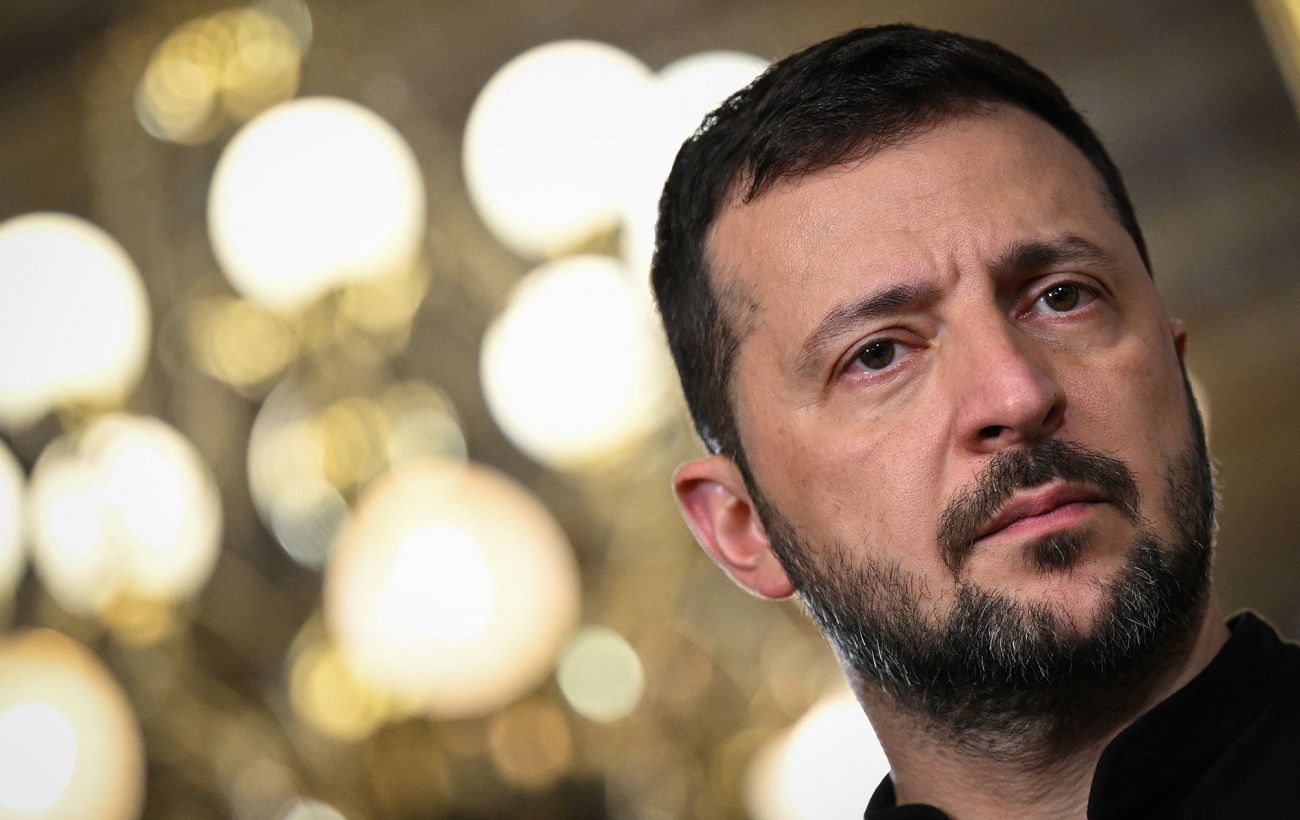
Zelenskyy on security guarantees: Ukraine aims for full NATO membership
President Volodymyr Zelenskyy stated that Ukraine is not interested in vague security guarantees that fall short of full NATO membership.
 🇺🇦Ukraine
Trump's Diplomatic Deadlines: Is Ending the War by 2027 Possible?
The Donald Trump administration aims to reach peace agreements regarding Ukraine by early 2027, but experts point to a lack of real preconditions for such a scenario.
 🇺🇦Ukraine
Finland investigates airspace violation by Russian helicopter
The Finnish Ministry of Defence reported that a Russian helicopter entered Finnish airspace near the city of Loviisa.