How to stop WhatsApp from automatically saving photos to your phone's gallery
The mobile messenger WhatsApp often overfills phone storage due to the automatic downloading of media files. Simple settings on Android and iPhone make it easy to solve this problem without third-party apps.
 💡Tech
Photo: UNIAN
Key points
- WhatsApp automatically downloads media to phone storage
- Android and iPhone settings allow disabling auto-save
- Built-in tool helps quickly delete unnecessary files
The popular messenger WhatsApp has a standard feature of automatically saving all incoming photos, videos, and documents to the smartphone's storage. Because of this, owners of devices with 64 or 128 GB drives often face a lack of free space. According to experts, media files from this application can take up from 2 to 10 gigabytes, filling the internal memory in just a few months of use.
Storage settings on Android and iPhone
To stop the uncontrolled cluttering of the gallery on Android, it is enough to change the auto-download settings in chats. In this case, all new photos and videos will be displayed as previews, and the user can independently decide which files are worth downloading to the phone.
For Apple device users, a separate option is provided that prevents the messenger from duplicating received content into the general iPhone photo gallery. Due to this, the pictures remain exclusively inside the application without overloading the device's main memory.
How to clean up already used storage
If the internal space of the smartphone is already exhausted, you can use the built-in storage analysis tool directly inside the messenger itself. The program independently sorts large files and duplicates, allowing you to delete unnecessary garbage in a few minutes and leave only important materials.
Source UNIAN — unian.ua/techno/communications/yak-zvilniti-do-10-gb-na-smartfoni-p… ↗
Read next
 ⚽Sport
All Semifinalists Determined at the 2026 ATP Finals
The four top-performing tennis players advancing to the semifinals of the ATP Finals have been decided. Carlos Alcaraz, Alexander Zverev, Ben Shelton, and Daniil Medvedev…
 🛡️Security
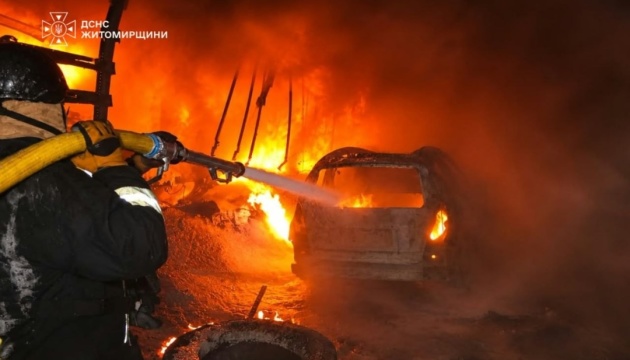
Russian strikes hit civilian and energy infrastructure in Zhytomyr region, leaving two injured
Russian forces attacked civilian and energy facilities in two districts of the Zhytomyr region, injuring two people, including a foreign national.
 🚌Transport
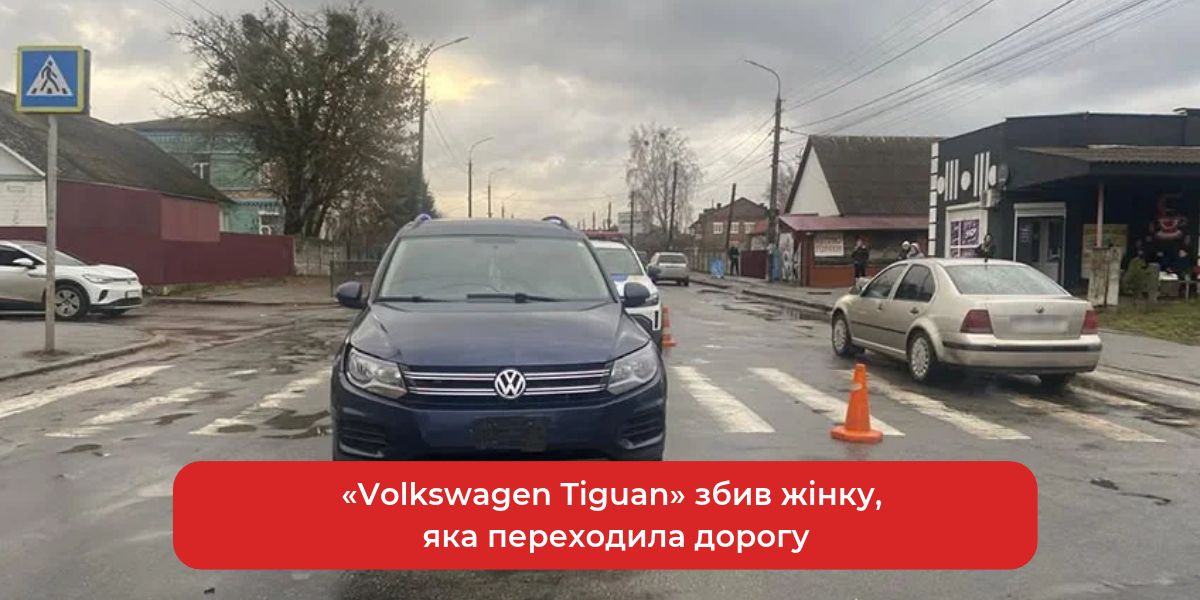
Accident in Shepetivka: Volkswagen Driver Hits Woman on Pedestrian Crossing
A 42-year-old woman was hospitalized in Shepetivka after being struck by a Volkswagen Tiguan on a marked crosswalk. Police have initiated a criminal investigation.
 💼Economy
Smart Household Tips: Surprising Ways to Reuse Pickle Juice
Experts explain that leftover pickle brine should not be thrown away, as it can be effectively used in cooking and light cleaning.
 🚌Transport
Strike on Vinnytsia's Energy Infrastructure: Impact on the City
On the morning of November 21, Russian forces attacked an energy facility in Vinnytsia, causing partial power outages and damaging a kindergarten.
 🚌Transport
Kerch Strait Bridge Outlook: Seer Shares Predictions on Potential Collapse Timeline
A local psychic has shared a new perspective on the future of the Kerch Bridge, suggesting the damaged structure might stand until late 2026.